Designing a Business Website That Builds Trust and Drives Growth
Business website design brings together user experience, branding, accessibility, SEO, and lead generation. A good website helps visitors find answers, works well on every device, and shows that a business is trustworthy. It also makes contacting or buying from the business simple.
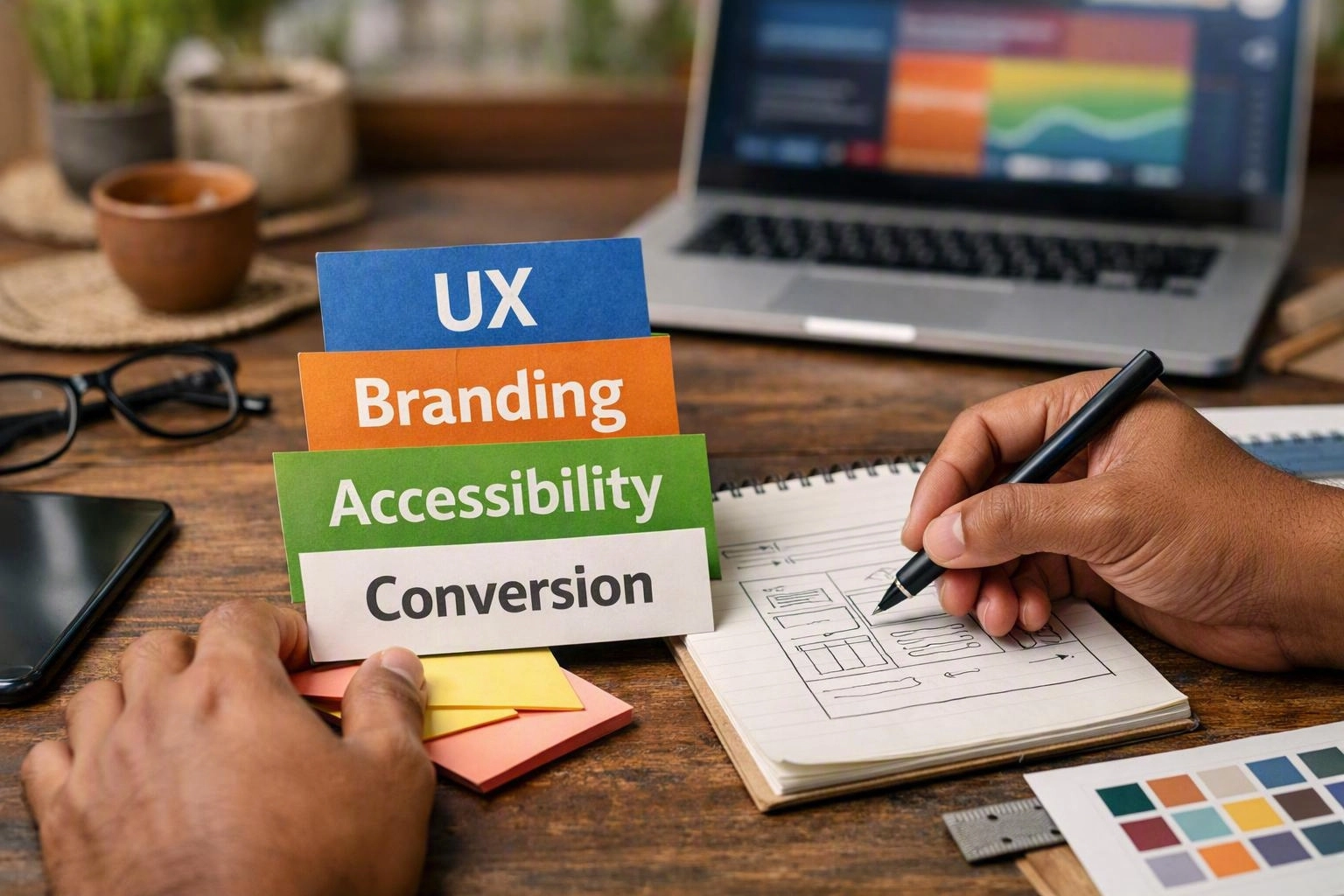
Thinkwebhub treats web design, Website Development, branding, and lead generation as connected parts of one online experience. The goal isn't just to create attractive pages. It's to help the right visitors find answers, understand an offer, trust the business, and take the next step.
This approach suits service businesses, consultants, professional firms, retailers, and it providers. A visitor may need a service page, a technical answer, a booking option, or a quick enquiry form. Good design supports each stage without making the website feel crowded.
Written by Debasis Sahoo
What Makes a Good Business Website Design?
Business website design works well when it uses clear navigation, useful content, strong branding, fast performance, mobile support, accessibility, and clear calls to action. Visitors should understand the company, review its services, trust its experience, and take the next step without confusion.
Good user experience starts with one simple point.
Visitors shouldn't need to learn a company's internal terms before finding help. A clear menu saves time and reduces frustration.
Visual hierarchy guides attention across each page. A strong hero section can explain who the business helps and which problem it solves. Headings, spacing, contrast, images, and short points make pages easier to scan.
The main action should stand out. That action might be requesting a consultation or viewing a service. Too many competing choices can make visitors unsure about what to do next.
Brand identity builds recognition and confidence. Colours, typography, logo design, images, and layouts should feel consistent across the homepage, service pages, forms, and follow-up messages. Each page can look different, but the business should still feel dependable.
Clear content matters just as much. A professional website should explain services in plain language, answer common concerns, show what happens next, and separate similar offers. Technical businesses can add detail through diagrams, process guides, FAQs, and helpful resources.
The main decision path should still remain easy to follow.
Website performance affects customer experience and business results. Compressed images, efficient code, reliable hosting, and fewer third-party scripts can help pages load faster. We also plan for security updates, content changes, analytics, and future growth.
A website that can't be maintained safely will lose value over time. Most small and mid-sized website projects take several weeks to a few months. The timeline depends on page count, content, integrations, approvals, and testing.
This range helps with planning, but it isn't a promise. Early content decisions and realistic review times usually make delivery smoother.
How UX, Branding, and Content Work Together?
UX, branding, and content work best when they support the same customer decision. Information architecture shows where information belongs. Brand voice controls how the business sounds. Content hierarchy shows visitors what to notice first.
For example, a service page may begin with a clear customer problem. It can then explain the service, show the process, answer common questions, and end with a useful call to action.
Logo design and brand styling should build recognition. They shouldn't hide the information visitors need.
Brand voice should suit the audience and the level of risk involved. An it provider may need to explain security, support, integrations, and continuity in simple terms. A local service business may need to show availability, service areas, and an enquiry form quickly.
In both cases, content hierarchy keeps the main answer near the top. We use research, page planning, content reviews, and interface testing to find problems before development begins.
This work may show that a homepage serves too many audiences. It may also reveal that an important service sits under a vague menu label. Better structure often improves the experience without adding more words.
How Website Design Affects Conversions?
Website design affects conversions by shaping what visitors notice, understand, trust, and do next. Clear layouts, useful messages, trust signals, strong calls to action, short forms, and fast interactions reduce friction. Conversion-focused design can turn more suitable visitors into enquiries, calls, bookings, downloads, or other measurable results.
The conversion funnel starts before someone submits a form. A visitor may arrive through search, advertising, email, or a referral. The page must show that they are in the right place, answer their first question, and offer a sensible next step.
People who are still researching may need an explainer. Ready buyers may need a booking or contact option.
A strong conversion rate depends on relevance and confidence, not decoration alone. A landing page should match the promise that brought the visitor there. Clear outcomes, service details, process information, and accurate trust signals help people decide if the business suits them.
Trust signals may include qualifications, policies, testimonials supplied by the business, case details, or clear contact information. These details must be accurate and easy to check.
Forms should ask only for information needed at that stage. A short enquiry form may suit an initial conversation. A detailed project brief can follow after interest has grown.
Phone links, booking tools, email marketing workflows, and CRM integration also affect page design. Each system needs clear ownership, consent handling, and reliable data transfer.
Analytics helps teams see where visitors leave a journey. We can review visits, engagement, form starts, completed actions, and search landing pages. Then we can improve one part of the funnel at a time.
This connects design choices with lead generation. Design becomes an ongoing improvement process instead of a one-time decoration task.
Testing should cover different screen sizes, browsers, form states, error messages, and keyboard paths. It should also confirm that tracking records the right event without collecting unnecessary personal information.
A good interface makes the next action clear. It also lets visitors continue researching when they aren't ready to contact the business.
Website Design Elements That Generate Leads
Lead-generating elements should match visitor intent and connect with the business workflow. The best components are simple, useful, measurable, and supported by clear follow-up ownership.
- Contact form — Use a short form with clear labels, helpful field guidance, consent details, and a confirmation message. The message should explain what happens next.
- Phone link — Make calling easy on mobile devices, especially for urgent services. Show opening hours or another enquiry option when useful.
- Lead magnet — Offer a helpful checklist, guide, template, or technical resource. This suits visitors who need information before discussing a service.
- Service call to action—Place a relevant action beside the service details. Visitors might request an assessment, arrange a booking, or ask for a recommendation.
- CRM integration—Send valid enquiries to the right pipeline, record consent when needed, reduce manual copying, and help the team reply consistently.
Other useful connections include analytics, booking tools, email marketing, payment services, and form handling. These tools can affect button labels, confirmation pages, privacy notices, page flow, and error messages.
They should be considered during design instead of added later.
What Is Responsive Web Design?
Responsive web design changes a website's layout, images, text, navigation, and interactions for different screens and devices. Mobile-first development helps business websites work on phones, tablets, laptops, and desktops. It also supports accessibility, search performance, user satisfaction, and conversions.
A responsive layout uses flexible containers, scalable media, and CSS media queries. Content may move from several columns to one column. Navigation may become more compact, and images may load at suitable sizes.
The goal isn't to shrink a desktop page. The goal is to keep the content useful and easy to use at every size.
Mobile-first design starts with the smallest practical screen. More space and features are added as the viewport grows. This helps teams focus on essential content, readable type, comfortable spacing, and fast interactions.
Touch usability matters too. Links and controls need enough space for people to select them without accidental taps.
Performance should be tested with appearance. Core Web Vitals offer useful signals about loading, responsiveness, and visual stability. Real testing should also cover device power, network speed, image size, and third-party tools.
A page can look fine during development but still feel slow on a normal mobile connection. Responsive design also makes maintenance easier.
One content system is usually simpler to update than separate desktop and mobile websites. Templates must still be built with care. We check navigation, forms, tables, media, consent tools, and embedded features across common breakpoints before launch.
How Should Website Design Support SEO?
Search engine optimization works best when design makes content easy to find, understand, crawl, and use. A clear site structure, descriptive headings, semantic HTML, responsive performance, accessible content, internal links, optimised media, and search-intent alignment all help.
SEO architecture should support the full buying journey. A service business may need separate pages for each offer. An it provider may need detailed explanations before a visitor makes an enquiry.
We link helpful educational content to commercial pages. This supports visitors without forcing keyword repetition.
Search performance also depends on daily website work. A content management system should let approved staff update service information safely. Analytics should show which pages support enquiries.
A clear publishing process helps prevent outdated claims, broken forms, and unchecked technical advice from staying online.
How Do I Make a Website Accessible?
Web accessibility means building a website that people with different abilities can see, operate, understand, and use. Key steps include keyboard-friendly navigation, useful alternative text, good colour contrast, visible focus states, labelled forms, captions, readable content, and support for assistive technology.
The WCAG principles provide a useful guide. Content should be perceivable, operable, understandable, and robust. Accessibility isn't a plugin or a final checklist.
It affects content, design, code, media, interactions, error handling, and third-party services throughout the project.
Keyboard navigation is essential for people who can't use a mouse or touch screen. Every interactive control should be reachable in a sensible order. It should also show focus clearly and work without hidden traps.
Menus, dialogs, carousels, filters, and forms need extra care. Complex features can become difficult without a pointer.
Alternative text should explain the purpose of meaningful images. Decorative images can be handled so they don't distract screen readers. Forms need visible labels, instructions, useful error messages, and status updates.
Colour shouldn't be the only way to show a required field, warning, success state, or difference between options.
Readable content helps everyone. Use clear headings, enough spacing, plain language, sensible link text, captions for important video, and controls that remain usable when text is enlarged.
Automated checks can find some problems. Manual keyboard reviews, screen reader tests, zoom tests, and user-focused checks are also valuable.
Accessibility testing should happen before launch and during content updates. New plugins, templates, campaigns, and CMS changes can create barriers.
We include accessibility checks in quality assurance. Inclusive use should remain part of the website workflow, not a one-time task.
When Should Web Design and Website Development Work Together?
Web design and website development should work together when visual choices affect features, performance, accessibility, or business workflows. This prevents attractive but impractical interfaces. It also helps the brand, code, integrations, content, and conversion paths work as one system.
We bring both areas together early when a project includes a content management system, API integration, booking tools, CRM workflows, analytics, or complex forms. A web development company that reviews the design early can spot technical limits before they cause costly changes.
Designers can also explain the user goal behind each interaction.
Quality assurance should cover visual accuracy, browser behaviour, responsive states, content, security updates, integrations, accessibility, page speed, and conversion tracking. After launch, maintenance includes form checks, analytics reviews, content updates, safe patches, and feature testing.
For organisations considering Web Design in Bhubaneswar, the same practical questions apply. Who owns the content? How will enquiries be handled? What must connect with other systems? How will the website grow?
A provider's location matters less than clear communication, responsible delivery, and support after launch.
Questions About Web Development Company
What Makes a Good Business Website Design?
A good business website combines clear navigation, useful content, consistent branding, fast responsive design, accessibility, trust signals, and visible calls to action. It helps visitors understand the offer, judge credibility, and take the right next step without confusion.
How Does Website Design Affect Conversions?
Relevant messages, clear layouts, trust signals, short forms, strong calls to action, and fast interactions reduce friction and support lead generation.
How Should Website Design Support SEO?
Website design should support SEO through clear site structure, semantic HTML, descriptive headings, search-intent alignment, internal links, optimised media, accessible content, suitable structured data, and strong page speed. These choices help search engines understand pages and help people use them.
How Do I Make a Website Accessible?
Make a website accessible with keyboard navigation, useful alternative text, good colour contrast, visible focus states, labelled forms, captions, readable content, and screen reader support. Combine automated checks with manual testing, and review new content, plugins, and templates over time.
When visual design, Website Development, SEO structure, accessibility, and lead workflows are planned together, websites become easier to use and improve. Our team can help turn business goals into clear service pages, manageable content, and measurable enquiry paths.
Related Resources
Cheap Web Development Company Mistakes: What to Check Before Hiring
mistakes to avoid when hiring a cheap web development company
What to AvoidWebsite Development Project Scope Mistakes That Cause Delays and Extra Costs
common website development project scope mistakes
What to AvoidWebsite SEO Mistakes to Avoid Before Launch
What to AvoidMobile App Development Mistakes to Avoid Before Building an App
mobile app development mistakes to avoid