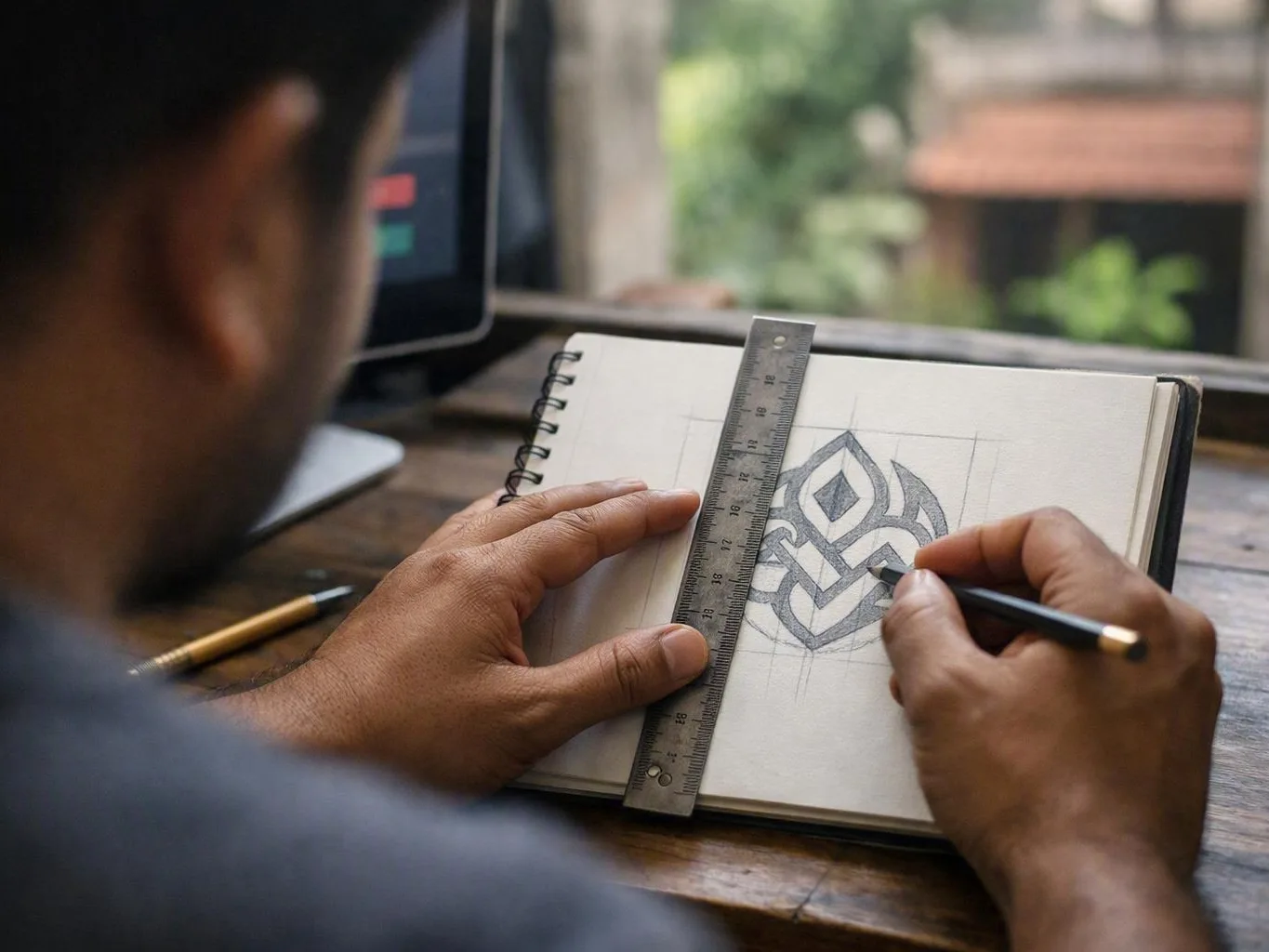
Does Your Website Still Represent Your Brand?
Outdated website branding can make your business look inconsistent and less trustworthy. It may also feel disconnected from the services you offer. Common signs include an old logo, mixed colours, uneven typography, dated layouts, and unclear messages. Poor mobile design and unsuitable images can create the same problem. Consistent branding improves recognition, trust, ease of use, and conversions across your website and marketing materials. Redesigning the logo and website together helps when both show the same outdated identity. A phased refresh may work better when budgets or technical limits affect the project. Start with a brand audit, fix customer-facing issues first, and update each digital touchpoint in order.
Website branding needs a refresh when the online experience no longer matches your business quality or direction. At Thinkwebhubwe start with what customers see. Then we connect it to the design and content system behind the site.
For an IT Services website, trust takes more than attractive graphics. Technical buyers want clear services, useful case studies, security details, and a simple path to consultation.
How Do You Know if Your Website Branding Is Outdated?
Website branding is outdated when its logo, colours, typography, images, messages, or layout no longer fit the business. For an IT Services company, warning signs include uneven pages, poor mobile use, unclear services, and dated graphics. A weak visual identity can also reduce trust during the buying process.
To answer “How do I know if my website branding is outdated?”, compare the live site with your current business. Review the first impression, service pages, contact path, and proof points on desktop and mobile devices.
A practical audit should check accessibility, responsive design, content, and the CMS. Most focused audits take one to three weeks. Timing depends on page count, integrations, and the number of brand assets.
Why Consistent Website Branding Matters for IT Services?
Consistent website branding connects your logo, colours, fonts, messages, and user experience. It helps potential IT Services customers recognise your business and understand your offer. It also builds trust in your ability to deliver.
Consistency makes decisions easier. Repeated design signals help visitors remember your business and understand its purpose. When your website, proposals, emails, social profiles, and marketing collateral follow the same rules, the brand feels planned.
Technical buyers need different information at different buying stages. Someone seeking managed support may want a simple explanation and clear contact path. A decision-maker comparing implementation expertise may look for architecture details, security messages, case studies, and proof of ongoing support knowledge.
A consistent design can also improve the conversion rate. Clear buttons, familiar page layouts, readable content, and responsive design reduce uncertainty. They help visitors move forward without making unsupported promises.
Our team sees branding as part of the service experience. It isn't just decoration. The way we explain complex services and organise information should support your choice of partner.
Does Your Website Still Represent Your Business?
A website no longer represents a business when its design, messages, services, or customer experience show an earlier stage. Compare your current brand promise with the live website. If your capabilities have grown but the site has not changed, a focused refresh may be needed.
To answer “What are signs my website no longer represents my business?”, compare what you sell, who you serve, and how you work. Then compare those details with your website. The table below shows common gaps.
| Area to compare | Warning sign | Useful refresh action |
|---|---|---|
| Brand positioning | The site presents a low-cost generalist image, but the business now offers specialist expertise. | Clarify the promise, audience, strengths, and proof. |
| Service portfolio | New services are hidden, missing, or described with old terms. | Organise services around customer needs and buying stages. |
| Target audience | Content speaks to a former audience instead of current technical or business decision-makers. | Update the language, examples, navigation, and calls to action. |
| Website messaging | Headlines make broad claims but don't explain results, delivery, risks, or support. | Use plain language with helpful technical details. |
| Business evolution | The company has changed, but the logo, layout, images, and content have not. | Plan a full refresh or a phased improvement roadmap. |
A useful review covers the platform, analytics, integrations, accessibility, and content ownership. A visual update alone may not fix a legacy CMS, rigid templates, disconnected forms, or website development problems.
Common Reasons Website Branding Becomes Inconsistent
Branding often becomes inconsistent as a business changes. New staff, services, urgent campaigns, and old tools can slowly weaken the online brand.
- Missing brand guidelines: Teams don't have clear rules for logos, colours, fonts, tone, images, or spacing.
- Unplanned website redesign: Pages are updated separately without one shared design or content direction.
- The content management system makes reusable layouts difficult, so editors create one-off fixes.
- Third-party templates add buttons, fonts, icons, and page structures that don't fit the current identity.
- Different suppliers create marketing collateral without an approval process or shared asset library.
Integrations can make the work harder. CRM forms, booking tools, security notices, support portals, and analytics should fit the refreshed experience. Visitors shouldn't be sent to an interface that looks unrelated.
Should You Redesign Your Logo and Website Together?
Logo design and website redesign should happen together when both are outdated or poorly matched. A coordinated project creates one clear design system. A phased plan may suit businesses with budget, technical, or migration limits. The decision should depend on brand impact.
Ask “Should I redesign my logo and website together?” when the current mark affects headers, navigation, social assets, proposals, or service quality. If the logo is still clear and flexible, a logo refresh may be enough. You can then improve the website separately.
Coordinating Logo Design with web design can make the work smoother. Brand identity design sets the visual and verbal rules. Website design applies those rules to page order, content, interactions, and responsive layouts.
A phased project makes sense when the CMS is hard to replace or integrations need testing. It also helps when content migration will take time. Define the design system first, protect key templates, and update other pages by priority.
Whether we manage one project or several stages, our approach connects identity decisions to website development. This includes accessible colour contrast, responsive parts, maintainable code, secure forms, performance testing, and useful content.
Brand Identity Design in Bhubaneswar can work with web design when a business wants its local team, technical skills, and online presence to feel connected. The same idea applies anywhere. Your identity should support your audience and service promise.
How to Create Consistent Branding Across Your Website?
Consistent website branding starts with clear brand rules and reusable website parts. Apply those rules to every page and digital asset. Define the logo, colours, fonts, images, tone, buttons, and layouts. Then maintain them through design reviews, responsive tests, and regular updates.
To answer “How do I create consistent branding across my website?”, turn broad preferences into simple rules. Editors, designers, developers, and writers should be able to use them each day.
Most refreshes need a few approved templates rather than many unique designs. A component library also helps a web development company keep pages consistent as new services and campaigns appear.
Branding should support every buying stage. A simple service page can guide a first-time visitor. A detailed case-study page can help decision-makers judge expertise, support, security awareness, and long-term fit.
How Can You Prevent Another Website Branding Refresh?
Businesses can prevent repeated branding problems with useful guidelines and clear ownership. Review new pages before publication and schedule regular website audits. IT Services companies should also match updates with new solutions, technology terms, customer needs, accessibility, and platform performance.
Consistency works best as part of normal work. A short design review before launch can catch wrong colours, old logos, weak contrast, uneven buttons, and messages that no longer match your services.
Keep the rules easy to use. A short guide with real examples helps busy teams more than a document full of design theory.
Questions About Web Development Company
How Often Should a Website Be Redesigned?
There is no fixed schedule. Review the website when services, audiences, technology, accessibility needs, or business positioning change. Many businesses run a light audit each year. They consider a larger redesign when the site no longer supports customer needs.
What Makes a Website Look Outdated?
Common causes include an old logo, mixed fonts, weak contrast, crowded layouts, dated images, unclear navigation, and vague messages. Broken mobile sections and slow performance can also hurt. Missing service details and old content make the site feel dated too.
How Do I Make My Website Look More Professional?
Start with clear visual rules, readable fonts, even spacing, useful images, focused messages, and accessible contrast. Use a simple conversion path. Organise services clearly, explain technical terms plainly, show relevant case studies, and test the site on different devices.
What Should Be Included in Brand Guidelines?
Include logo versions and spacing, colours, fonts, images, icons, layouts, tone of voice, accessibility guidance, buttons, forms, examples, and approval rules. Explain how the system works across the website, proposals, social assets, emails, case studies, and third-party tools.
How Much Does a Logo and Website Redesign Cost?
Costs vary widely and depend on more than the logo or page count. Factors include research, identity work, content, templates, CMS limits, integrations, migration, accessibility, responsive testing, and maintenance. Request a scope-based estimate after an audit instead of using a generic price.
Our team can help you choose between a logo refresh, focused interface update, or complete identity and website project.
Author: Debasis Sahoo
Related Resources
Cheap Web Development Company Mistakes: What to Check Before Hiring
mistakes to avoid when hiring a cheap web development company
What to AvoidWebsite Development Project Scope Mistakes That Cause Delays and Extra Costs
common website development project scope mistakes
What to AvoidWebsite SEO Mistakes to Avoid Before Launch
What to AvoidMobile App Development Mistakes to Avoid Before Building an App
mobile app development mistakes to avoid