Website Security Mistakes Businesses Make—and How to Prevent Them
Businesses often make website security mistakes. Common examples include weak passwords, late updates, poor backups, and open access. These gaps can let attackers steal data, change pages, spread malware, or cause downtime. Businesses can lower these risks with multi-factor authentication, timely patches, limited user access, secure hosting, tested backups, activity monitoring, and regular vulnerability scans. A website maintenance or security professional can review the site, secure its settings, protect forms and APIs, and prepare an incident response plan.
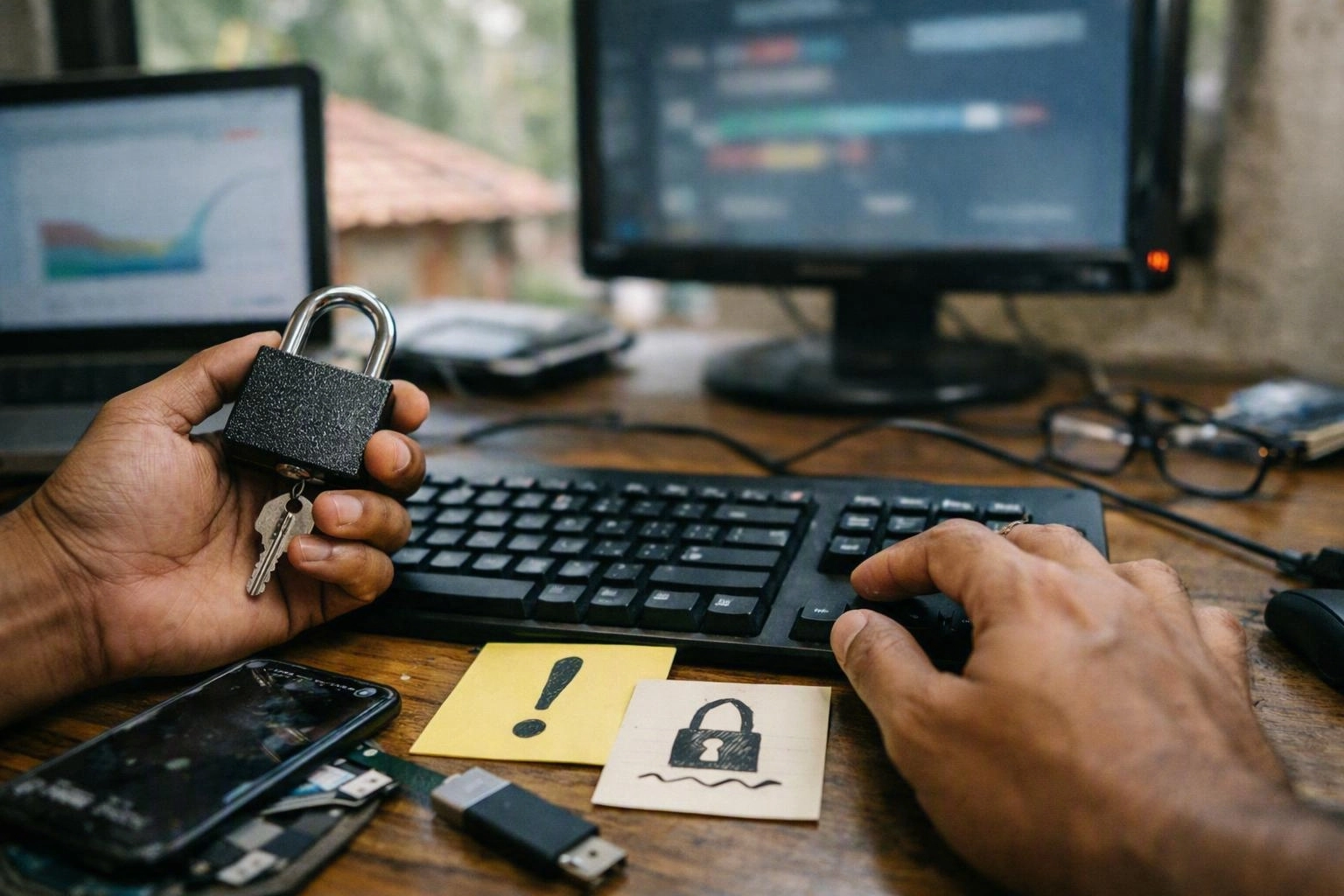
Thinkwebhub helps small and mid-sized businesses use practical web security controls. This support helps even when they lack an internal security administrator or it team.
Author: Debasis Sahoo
Why Website Security Mistakes Put Businesses at Risk?
Website security mistakes can expose a business to unauthorised access, malware, data theft, defacement, and service outages. Small gaps, such as old software or broad user access, can give attackers a way in. A useful security program combines prevention, monitoring, backups, maintenance, and tested recovery steps.
Cybersecurity risk can spread beyond the website. A stolen login may expose customer data, stop sales, or send fake messages from a trusted domain. Downtime can also affect bookings, support, payments, and daily work. Small companies face extra pressure because the same staff often manage content, hosting, vendors, and customer service.
Plugins, themes, analytics tools, and application programming interfaces add helpful features. They also create shared duties. Developers may manage code, while hosting providers manage servers, but the business still owns its accounts and data. Clear ownership and regular maintenance help close these gaps.
Using Weak Passwords and Skipping Multi-Factor Authentication
Weak or reused passwords make administrator accounts easier to take over. Attackers use credential stuffing to test stolen login details across many services. Shared logins, old accounts, and rushed security choices make this problem worse.
The damage may include changed pages, hidden malware, lost access, or exposed customer data. Requiremulti-factor authentication for administrator, hosting, domain, email, and payment accounts. Use a password manager, unique passwords, access reviews, and alerts for unusual sign-ins.
Delaying CMS, Plugin, Theme, and Server Updates
A content management system, plugin, theme, or server may contain a security flaw. That flaw can become public after the software maker releases an update. Attackers scan for known weaknesses, so a late patch can leave the site exposed.
Owners sometimes delay updates because they fear breaking a live page. The result may be malware, changed content, visitor redirects, or a site outage. Keep a software inventory, review update notices, test major changes, and maintain a rollback plan. Our team can schedule updates during quieter periods and remove unsupported components.
Giving Users More Access Than They Need
Too much user access lets a mistake or stolen login cause greater damage. Businesses may grant full control because role setup takes time or a developer needs temporary access. Former staff may also keep active accounts. Without least privilege, routine content work can lead to major setting changes.
The damage can include deleted content, unapproved code changes, and wider data exposure. Use role-based access control and separate editing from administration. Remove inactive users and give vendors time-limited access. Review permissions after staff changes, and ask developers and hosts to document the accounts they manage.
Treating Website Backups as an Afterthought
A website backup helps only when it is complete, available, and ready to restore. Some businesses rely on a host’s default copy without checking its storage time, location, or contents. Others save files but miss databases, media, settings, or transaction records.
A failed restore can extend downtime after ransomware, a bad update, or hosting failure. Use automated, encrypted backups stored off-site. Set a sensible retention period and use separate login details. Test restoration on a regular schedule. Many small sites review backups weekly or monthly, while critical systems may need more frequent recovery points. Assign backup and recovery to a named owner.
Ignoring SSL, HTTPS, and Secure Configuration
An expired or badly installed SSL certificate can warn visitors and reduce trust. HTTPS protects data moving between a browser and the website. TLS supports that secure connection. Businesses may miss certificate renewals, mixed content, weak settings, or missing security headers because the site still appears to work.
These gaps can expose login details and contact information. They can also make phishing easier. Set HTTPS redirects, renew certificates, remove mixed content, and review headers such as content security policy and frame protections. Secure hosting and current TLS settings should be part of routine website maintenance.
Failing to Protect Contact Forms, Logins, and APIs
Every web form, login system, and API accepts data from outside users. Each input channel needs protection. Teams may skip input checks, use weak rate limits, show technical errors, or trust data sent by a browser. Third-party forms and integrations also need a review before use.
The risks include spam, account takeover, data leaks, harmful uploads, and service overload. Check and clean inputs on the server, limit login attempts, protect sessions, and restrict API access. Keep secrets out of public code. Add spam protection that allows real customers through, and log useful events without saving extra sensitive data.
Assuming a Website Is Safe Without Monitoring or Testing
A website may look normal while malware or an unknown account remains active. Without monitoring, vulnerability scans, malware checks, and security reviews, owners may notice an attack only after customer warnings or search engine problems.
Late discovery increases cleanup time, recovery work, and damage to the business name. Monitor uptime, file changes, logins, administrator actions, and unusual traffic. Run scans after major changes and at regular intervals. Review each finding instead of simply filing the report. We combine automated checks with human review and clear escalation steps.
Having No Website Security Incident Response Plan
An incident response plan explains what to do when a site is hacked, offline, or suspected of leaking information. Many businesses have no plan because an attack seems unlikely. Vendor duties may also be unclear, and important technical details may be missing.
Confusion can delay recovery and increase business continuity risk. Record hosting and domain contacts, save evidence, isolate affected systems, and change passwords. Notify the right people and remove malware through a controlled process. Define who approves changes and who speaks with customers. Also explain how a clean backup will be restored. Review the plan after each incident or major platform change.
The Business Cost of Common Website Security Mistakes
Website security mistakes cost more than technical repairs. The impact depends on the flaw, the data exposed, the length of downtime, and the quality of its backups.
The table below shows common impact areas, not fixed prices or guaranteed results. A small brochure site and a customer portal have different risks and recovery needs.
| Mistake | Business impact | Preventive control |
|---|---|---|
| Weak access | Account takeover, data breach, and unauthorised changes | Unique passwords, multi-factor authentication, and access review |
| Outdated components | Patch management, testing, and software inventory | |
| Unverified backups | Longer outage and higher recovery cost | Off-site copies and scheduled restore tests |
| No monitoring | Late discovery and greater reputational damage | Alerts, log review, scans, and response ownership |
Simple cleanup and restoration jobs often take several hours to several business days. Timing depends on access, infection depth, hosting support, and backup quality. This is a planning range, not a promise. Search warnings, customer notices, legal review, and trust rebuilding may continue after the site comes back online.
A Practical Website Security Prevention Checklist
A practical website security checklist covers strong login controls, current software, limited access, HTTPS, protected forms, automated backups, monitoring, and regular testing. Businesses should record who owns each task and when it gets reviewed. They should also document how the site will be restored after an attack or technical failure.
For a small or mid-sized business, steady work matters more than a complex security program. A web development company may manage code, while a hosting provider manages infrastructure. The business still needs clear ownership for maintenance. This sequence helps prevent missed tasks.
Ongoing website maintenance turns this checklist into a routine. Record the responsible person, review date, completion evidence, and any issue that still needs attention.
Review Accounts, Permissions, and Authentication
Patch Software and Remove Unused Components
Back Up, Monitor, and Test Recovery
When to Bring in a Website Security Professional?
A website security professional can help after malware, unverified backups, or repeated suspicious activity. Support also helps when no one owns the technical work or the site handles sensitive customer information. Services may include security checks, website maintenance, backup management, monitoring, hardening, and recovery planning.
Outside help is useful when duties are split between an employee, developer, and hosting provider. Before choosing support, ask who tests restoration and how quickly alerts get reviewed. Also ask how access is managed, what monitoring includes, and who handles routine maintenance. Clear answers matter more than a general promise of protection.
Small businesses don't need to handle every technical task alone. A clear service scope should list response times, escalation contacts, excluded systems, reporting, and recovery duties.
How Thinkwebhub Helps Prevent Website Security Mistakes?
Thinkwebhub helps businesses reduce website security risks through practical website security, backup, and maintenance services. The work may include access reviews, component updates, configuration checks, threat monitoring, recovery points, and restoration support. The right service mix depends on the platform, business risk, and daily needs.
We connect security hardening with regular website work instead of treating it as a one-time task. Support may cover CMS security, WordPress security, API security, protected forms, access reviews, and recovery steps. We provide Website Security in Bhubaneswar when local support helps, while the same methods work for businesses across India.
Our team can clarify the duties of owners, developers, and hosting providers. We review restore testing, response speed, access management, monitoring coverage, and maintenance ownership before suggesting ongoing support. Strong protection shows through completed checks, current records, working alerts, and a recovery process people have tested.
For help reducing exposure, improving backup and recovery, or planning incident response, contact our team through the contact page.
Questions About Web Development Company
What Are the Most Common Website Security Mistakes Businesses Make?
The most common mistakes are weak or reused passwords, missing multi-factor authentication, late software updates, broad user access, untested backups, poor HTTPS settings, unprotected forms and APIs, limited monitoring, and no incident response plan.
How Can a Business Protect Its Website from Hackers?
Use unique passwords and multi-factor authentication, update the CMS and extensions, apply least privilege, enforce HTTPS, protect forms and APIs, use secure hosting, keep off-site backups, monitor activity, scan for vulnerabilities, and test recovery procedures.
How Often Should a Business Back Up Its Website?
Backup frequency should match how often content and transactions change. A lower-risk site may use daily or scheduled backups, while a busy store or portal may need more frequent recovery points. Every business should test restoration regularly and confirm retention and off-site access.
When Should a Business Hire a Website Security Professional?
Hire a professional after malware, suspicious activity, a data breach, repeated downtime, or an untested restore. Ongoing support also helps when the business lacks technical ownership or handles sensitive information. It can cover updates, access control, monitoring, backups, and incident response.
Related Resources
How Much Does Website Development Cost in Bhubaneswar?
website development cost Bhubaneswar
What It CostsCustom Web Application Development Cost and Timeline
custom web application development cost Bhubaneswar
What It CostsWebsite Maintenance Cost: What a Professional Plan Should Include
website maintenance cost
What It CostsDomain and Hosting Costs: What You Pay Before and After Launch
domain and hosting cost