A Small Business Guide to Website Security and Backups
Website security blocks unwanted access, malware, and data theft. Website backups restore content after attacks, errors, or outages. Small businesses should use HTTPS, strong accounts, updates, malware monitoring, and automated backups. Store copies in more than one location, and test them often.
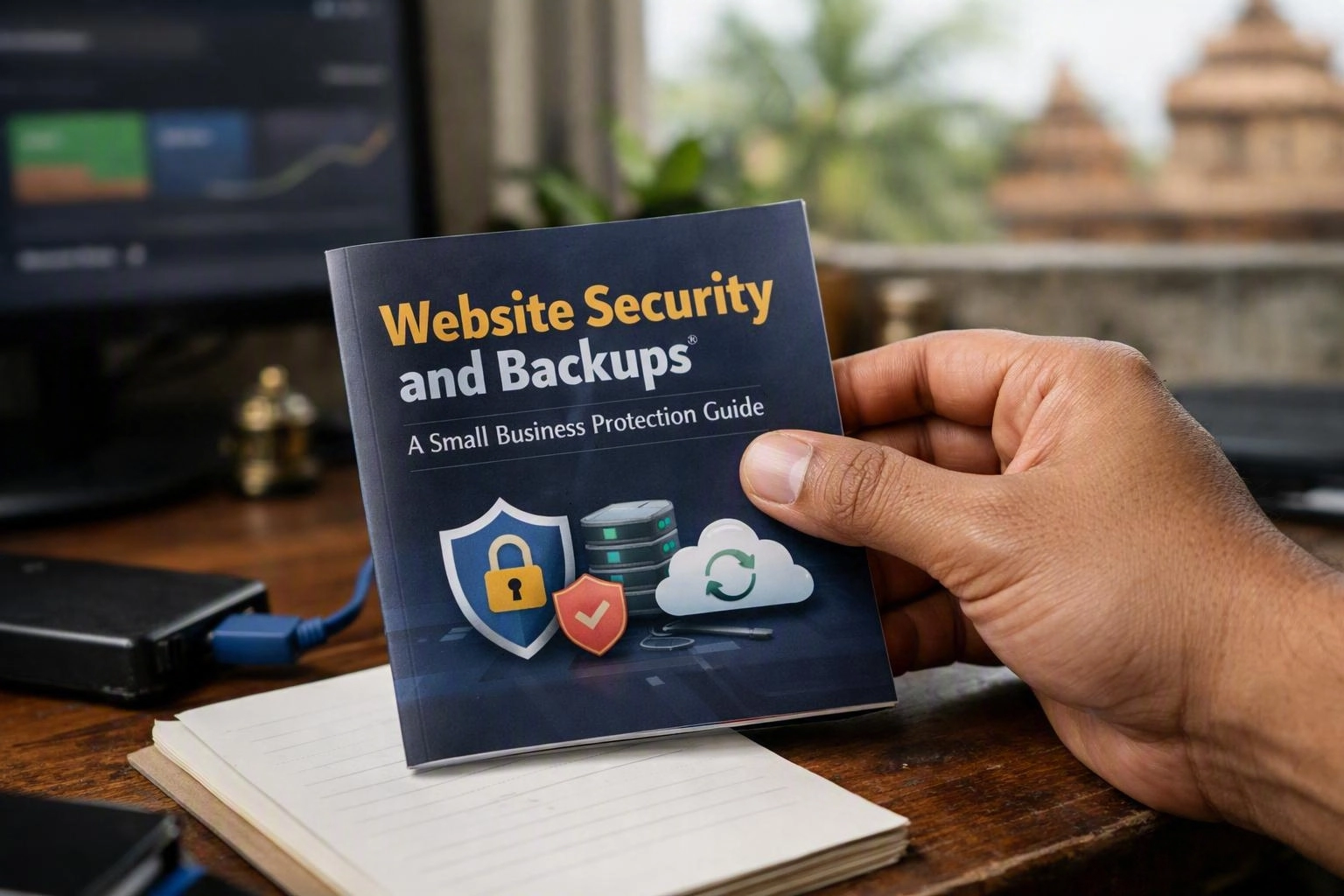
Website security and backups protect and restore small business websites, data, and online access. Thinkwebhub helps small businesses manage both tasks as one clear protection plan.
A secure site can still fail after a server outage, faulty update, human error, or database problem. A backup restores lost information, but it can't stop an attacker from entering a weak administrator account. Using prevention, monitoring, and recovery steps helps reduce disruption to forms, bookings, payments, and daily work.
Our team can automate routine checks and work with your hosting provider when you have limited it support. A web development company can also check that security tools, CMS features, forms, payment tools, and backups work together.
The right plan depends on your website's value, update schedule, customer data, and recovery needs. Most small sites aim to recover within several hours or one business day. Online stores and booking systems may need a faster recovery.
Businesses using web development company services should ask early how access, updates, backups, and ownership will work after launch. Clear duties help prevent missed security tasks.
How Do You Secure a Small Business Website?
Website protection uses HTTPS, secure administrator accounts, current CMS and plugin updates, malware scans, firewalls, and limited access. A useful plan also checks login attempts, removes unused software, and prepares steps for suspicious activity.
These controls work best as a regular routine. Our team can automate updates where testing allows, schedule malware scans, and manage alerts for businesses without full-time it staff. A managed service should still leave ownership of the domain, hosting account, website files, and database with the business.
Website Security in Bhubaneswar can be managed with a local technology partner. The main checks stay the same anywhere: secure access, reliable monitoring, safe updates, clear ownership, and a tested recovery path.
Why Does a Website Need SSL or HTTPS?
An SSL certificate enables HTTPS encryption through TLS. It protects information moving between a visitor's browser and the website. HTTPS helps prevent interception and tampering, removes browser warnings, and builds trust during forms, logins, and payments.
SSL is an older term that people still use. Modern secure browser connections use TLS. The certificate also helps the browser confirm the intended domain. It doesn't prove that a business is honest or that its software and server are safe.
An SSL certificate is necessary, but it isn't enough by itself. A site can use HTTPS and still have a weak password, unsafe plugin, infected file, or exposed hosting account. Renewals, redirects, secure cookies, updates, access controls, and monitoring still matter.
Most browsers warn visitors when a page lacks HTTPS or has a certificate problem. Those warnings may stop visitors from sending forms or placing orders. Keep the certificate valid, and check it after hosting or domain changes.
How Often Should a Website Be Backed Up and Where Should Copies Be Stored?
Website backups should match how often content and transactions change. Daily backups suit most small business sites, while busy stores and booking systems need more frequent copies. Store encrypted backups off-site, keep several recovery points, and test restoration regularly.
A complete backup has two main parts. File backups include themes, plugins, images, documents, settings, and application code. Database backups include pages, products, customer records, orders, bookings, comments, and other changing information. Saving only files may leave out current business data.
| Website activity | Typical copy schedule | Useful recovery focus |
|---|---|---|
| Brochure site with occasional edits | Daily or several times each week | Recent files, database, and configuration |
| Site with frequent articles or forms | Daily, with extra copies before major edits | Form entries, media, and database changes |
| Online store or appointment system | Several times daily or near real time where supported | Orders, bookings, customer data, and transaction records |
Automated backups reduce missed copies. Still, automation doesn't prove that recovery will work. The system should report failed jobs, check complete files, and alert the right person when storage fills or credentials expire.
Keep encrypted copies in separate off-site cloud storage. This reduces risk if a server is hacked, a hosting account is deleted, or ransomware reaches connected systems. Use limited access, encryption, and separate credentials where possible.
Keep several recovery points instead of only the newest file. A useful policy may include recent daily copies and older weekly or monthly copies. Base the schedule on your recordkeeping needs, and don't keep sensitive data without a clear reason.
Restore testing shows whether a backup can rebuild the site. Test files, the database, CMS version, plugins, themes, forms, checkout, bookings, and email alerts in a safe place. Most small businesses should test several times each year and after major hosting or software changes.
What Should You Do if Your Website Is Hacked?
Incident response for a hacked website starts with containment. Contact the hosting provider or security specialist, save evidence, limit access, change stolen credentials, scan files and databases, remove harmful code, and restore a clean backup. Confirm safety before reconnecting forms, payments, or advertising.
Changing the homepage doesn't solve every website hack. Attackers may leave hidden access in files, databases, hosting users, or connected services. A security specialist can check whether the wider hosting account is affected.
Our recovery process can include access reviews, malware removal, backup selection, software updates, and monitoring after restoration. Businesses should decide their acceptable downtime before an incident. That choice affects backup frequency, hosting design, and recovery time.
How Do You Protect a WordPress Website?
WordPress security depends on current WordPress core, plugins, and themes. Remove abandoned extensions, protect administrator accounts with multi-factor authentication, and limit user permissions. Security plugins, hosting controls, malware monitoring, and tested backups add protection and support recovery.
Start with an inventory of the WordPress version, active plugins, themes, integrations, administrator accounts, and hosting services. Remove anything you don't use. An inactive extension may still become a risk if its files remain available.
Use reputable extensions with active maintenance and clear compatibility details. Test important updates in a staging area when possible. This matters most for e-commerce, appointments, memberships, and custom integrations. Take an automated backup before updates, and check that it includes the database.
Protect each administrator account with a unique password and multi-factor authentication. Give editors, writers, developers, and contractors only the access they need. Review access after staff, agency, or ownership changes.
A security plugin may add login protection, file-change alerts, malware scans, and firewall rules. It should suit the hosting setup. It can't replace HTTPS, server security, careful permissions, or software updates.
Managed hosting can simplify patching, staging, server monitoring, and recovery support. It doesn't remove the need to check plugin compatibility or test backups. Our team can manage these tasks for businesses with limited it support and clear approval points.
WordPress hardening can include safer database settings, protected configuration files, restricted file editing, current PHP and server versions, disabled services, and change monitoring. After changes, test the public site and admin area.
When Do You Need Website Security and Backups Together?
Website security and backups work together because prevention can't stop every failure, and backups can't prevent attacks. Businesses need both when they handle customer data, accept payments, publish frequent updates, use plugins, migrate hosting, or need quick recovery.
Base your decision on business impact. If losing one day of orders, bookings, leads, or content would cause serious harm, use more frequent copies. If the site rarely changes, a simpler schedule may work, but restore testing still matters.
Security and recovery matter when outside providers have access. Review agency, developer, hosting, domain, analytics, payment, and email permissions before a migration or ownership change. Keep an independent copy so one supplier account isn't your only route to the website.
How Should Website Maintenance Support Long-Term Protection?
Website maintenance supports long-term protection through updates, vulnerability checks, uptime monitoring, backup checks, access reviews, and hosting reviews. A regular routine helps small businesses find problems earlier, protect performance, and recover with less disruption.
Set a maintenance calendar instead of waiting for problems. Review software versions, plugin alerts, certificate status, domain renewal, hosting access, database health, storage, and security alerts. Record changes so you can link errors to recent work.
Check the CMS, extensions, server software, exposed services, and connected accounts for vulnerabilities. Each finding should lead to a clear choice: update, replace, remove, restrict, or accept the risk for a stated reason. Fix issues affecting administrator access, customer data, payments, or remote code execution first.
Uptime monitoring checks whether visitors can reach the site. It doesn't prove that forms, checkout, bookings, or email work. Add checks for actions that bring revenue or customer requests. Review alerts during and outside business hours.
Backup checks should confirm that jobs finished, files are readable, the database is included, storage works, and copies aren't being overwritten. Test restores in a safe staging location after important updates.
A security audit can review administrator accounts, permissions, HTTPS and SSL/TLS settings, firewall rules, malware results, logs, plugins, and recovery instructions. End the audit with priority actions, owners, and target dates.
Domain and hosting management also affect protection. Keep renewal details current, use multi-factor authentication, limit registrar access, document DNS records, and know who can change nameservers. Losing domain control can interrupt a secure website.
Our team can provide monitoring, update support, automated backups, restore testing, and incident help. Businesses with limited it support can follow a clear routine without giving up website or data ownership.
Questions About Web Development Company
What Is the Best Way to Secure a Small Business Website?
Use HTTPS, strong unique passwords, multi-factor authentication, current software, a web application firewall, malware scans, limited permissions, and regular monitoring. Remove unused software, and keep an incident plan and tested off-site backup ready. The right setup depends on your CMS, hosting, customer data, and recovery needs.
Is an SSL Certificate Enough to Secure a Website?
No. An SSL certificate enables HTTPS and encrypts browser connections, but it doesn't stop weak passwords, unsafe plugins, malware, poor hosting controls, or unwanted administrator access. SSL/TLS is one layer in a wider plan with updates, monitoring, access controls, and recovery testing.
How Long Should Website Backups Be Kept?
Keep enough recovery points for likely mistakes, attacks, outages, and business records. Many small businesses keep recent daily copies plus older weekly or monthly versions. Review retention with legal, privacy, and operating needs, and delete sensitive copies when no longer needed.
Can a Website Be Recovered After Being Hacked?
Usually, yes. The business must find the compromise, secure connected accounts, clean or replace infected files, fix the entry point, and restore a clean backup. Recovery should include malware scans, password resets, software updates, and testing before reconnecting forms, payments, advertising, and other tools.
Do Small Businesses Need Managed Website Security?
Managed support helps when staff can't monitor alerts, apply updates, check backups, test restores, or respond to incidents consistently. Automation handles routine jobs, while an IT Services provider reviews problems and supports recovery. Businesses with skilled staff may manage these tasks themselves.
Reliable protection can be measured. Updates are reviewed, alerts have owners, backups finish, off-site copies remain available, and restore tests work. Our team can review hosting access, CMS compatibility, backup frequency, encryption, monitoring, and recovery time.
Author: Debasis Sahoo
Contact our team to review your website protection and recovery plan.
Related Resources
Website Security Mistakes Businesses Make and How to Prevent Them
common website security mistakes businesses make
What to AvoidDomain and Hosting Mistakes to Avoid for a Business Website
domain and hosting mistakes to avoid
What to AvoidWebsite Maintenance Mistakes That Lead to Downtime and Data Loss
website maintenance mistakes to avoid
What It CostsHow Much Does Website Development Cost in Bhubaneswar?
website development cost Bhubaneswar